qrup
Three steps, no setup
The other device needs nothing installed, just a browser. Both only have to be on the same network.
- 1
Start qrup
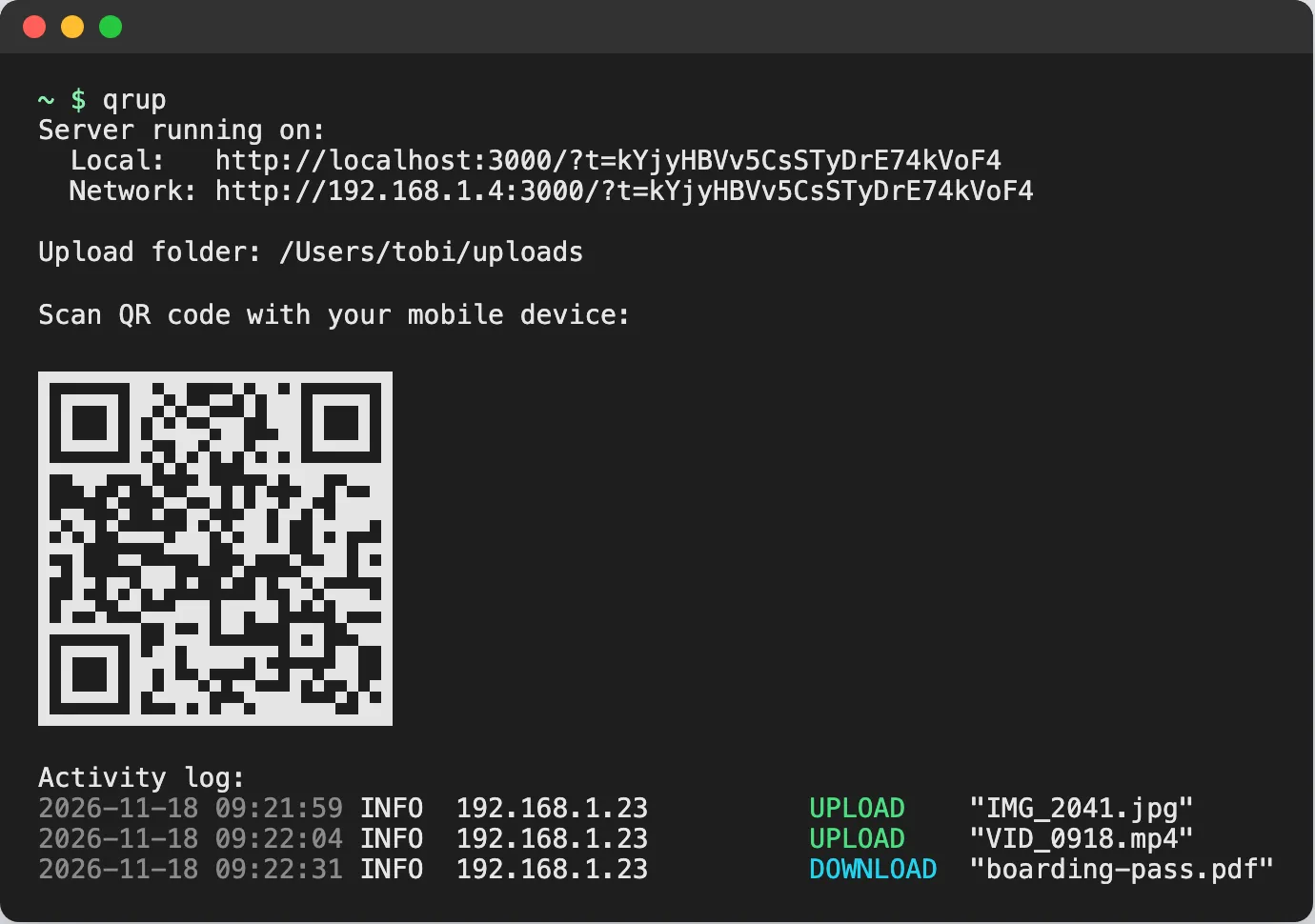
Run it in any folder. It prints the page address and a QR code with a new access token.
$ qrup - 2
Scan the QR code
Point your phone's camera at the terminal, or open the printed address on any other device. The page opens in its browser.
- 3
Send files either way
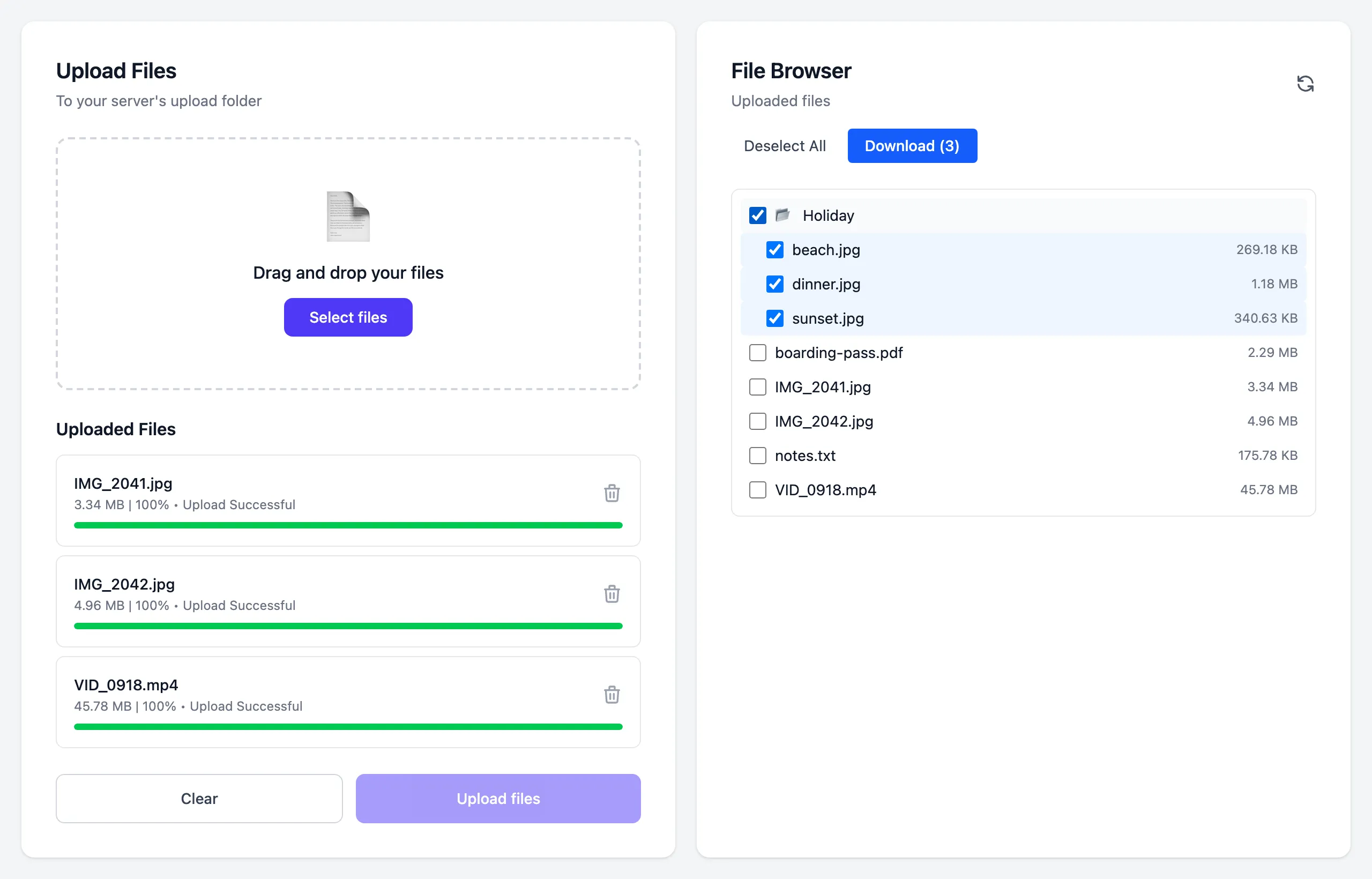
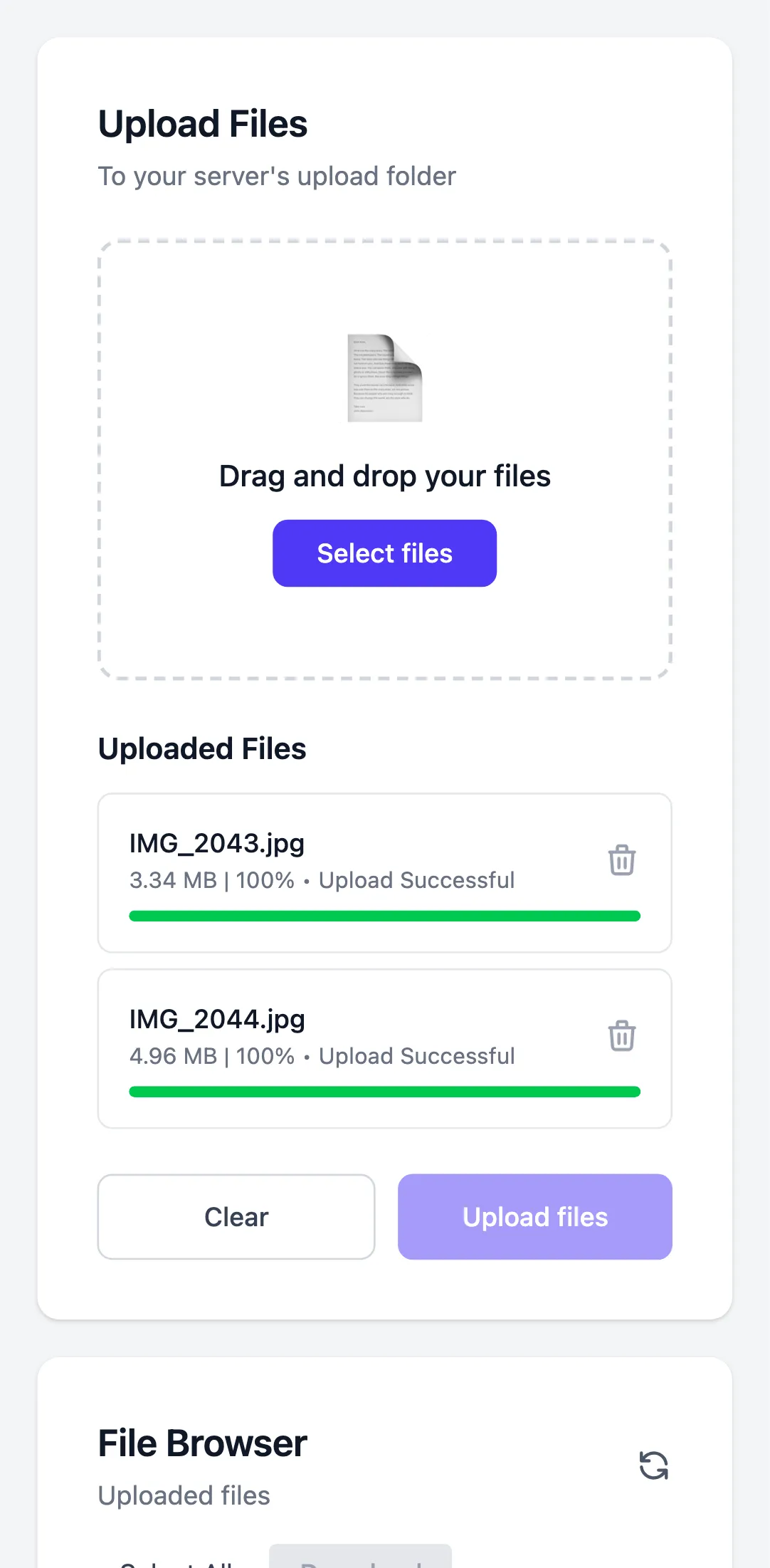
Upload photos and videos from the device, or tick files on the computer and download them as a ZIP.
AirDrop for every device
qrup runs on your Mac or Linux machine. Android or iPhone, tablet or laptop: anything with a browser on the same network can send and receive files.
Both directions
Upload from the phone, or download to it. Several files or a whole folder arrive as one ZIP.
No app needed
Any browser works: phones, tablets, Windows or Linux laptops. Nothing to install, no account to create.
Files stay local
Files go straight from one device to the other over your network. No cloud in between.
Private by default
Every QR code carries a new access token, so only devices that scan it can connect.
Made for big files
Three uploads run in parallel with progress. A cancelled upload leaves nothing behind.
One small binary
A single executable for macOS and Linux, on Apple Silicon, Intel, x64, and arm64.
Up and running in a minute
One binary, nothing else to install. Updates come with brew upgrade qrup.
Homebrew macOS & Linux
brew install totherush/tap/qrupPrebuilt binary
Download qrup-<platform>.tar.gz from the latest release, unpack it, and run ./qrup. Checksums are in SHA256SUMS.
Usage
# port 3000, saves to ./uploads
qrup
# custom port and upload folder
qrup -p 8080 -u ~/Downloads
# all options
qrup --help
Prefer the desktop? Open the Local address qrup prints and drag files onto the page.